

Easy WordPress Installation With WP-CLI
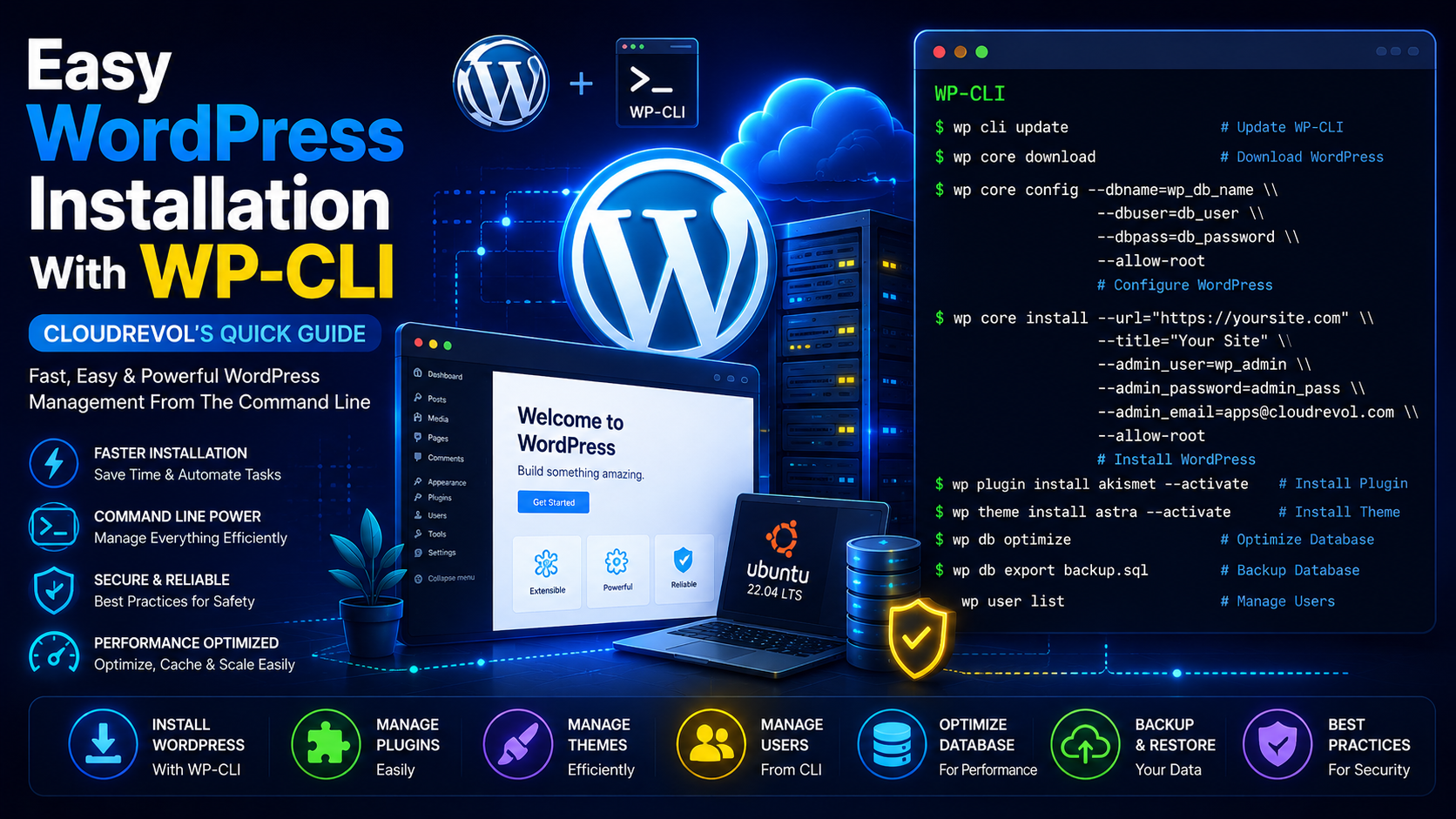
WP-CLI allows administrators and developers to install, manage and automate WordPress deployments directly from the command line. This guide demonstrates how to install WordPress quickly on Ubuntu 22.04 LTS.
In This Guide
Prerequisites
- ✓ Ubuntu 22.04 LTS
- ✓ LAMP Stack Installed
- ✓ Database Created
- ✓ Shell Access With sudo Privileges
- ✓ Domain Name Configured
Step 1: Download WP-CLI
curl -O https://raw.githubusercontent.com/wp-cli/builds/gh-pages/phar/wp-cli.pharStep 2: Make WP-CLI Executable
chmod +x wp-cli.pharStep 3: Move To Binary Path
sudo mv wp-cli.phar /usr/local/bin/wpVerify Installation
wp --infoStep 4: Navigate To Web Directory
cd /var/www/html/Step 5: Download WordPress Core
wp core download --allow-rootStep 6: Configure WordPress
wp core config --dbhost=localhost --dbname=wp_db_name --dbuser=db_user --dbpass=db_password --allow-rootStep 7: Install WordPress
wp core install --url="https://yoursite.com" --title="Your Site" --admin_user=wp_admin --admin_password=StrongPassword123 [email protected] --allow-rootPlugin Management
wp plugin listwp plugin install wordfence --activatewp plugin update --allwp plugin delete plugin-nameTheme Management
wp theme listwp theme install astra --activatewp theme update --allUser Management
wp user listwp user create editor [email protected] --role=editorDatabase Optimization
wp db optimizewp db checkwp db repairBackup WordPress Database
wp db export backup.sqlWP-CLI Best Practices
🚀 Keep WP-CLI Updated
wp cli update💾 Backup Before Changes
wp db export backup.sql⚡ Automate Tasks
Use WP-CLI in deployment pipelines and scripts.
🔒 Avoid Root Access
Use --allow-root only when absolutely necessary.
Need Help Hosting Your WordPress Website?
Focus on growing your business while CloudRevol handles performance, security, updates, backups and migrations. Our AcceleronX hosting stack delivers exceptional speed and reliability without management fees.
AcceleronX Performance
Optimized stack for faster page loads and improved user experience.
Free Website Migration
Move your existing WordPress website with zero hassle.
Security Protection
Malware scanning, firewall protection and proactive monitoring.
Automated Backups
Daily backups with quick recovery options.
Expert Support
Real engineers available when you need assistance.
No Management Fees
Technical support included without additional management charges.