

← Back to Blog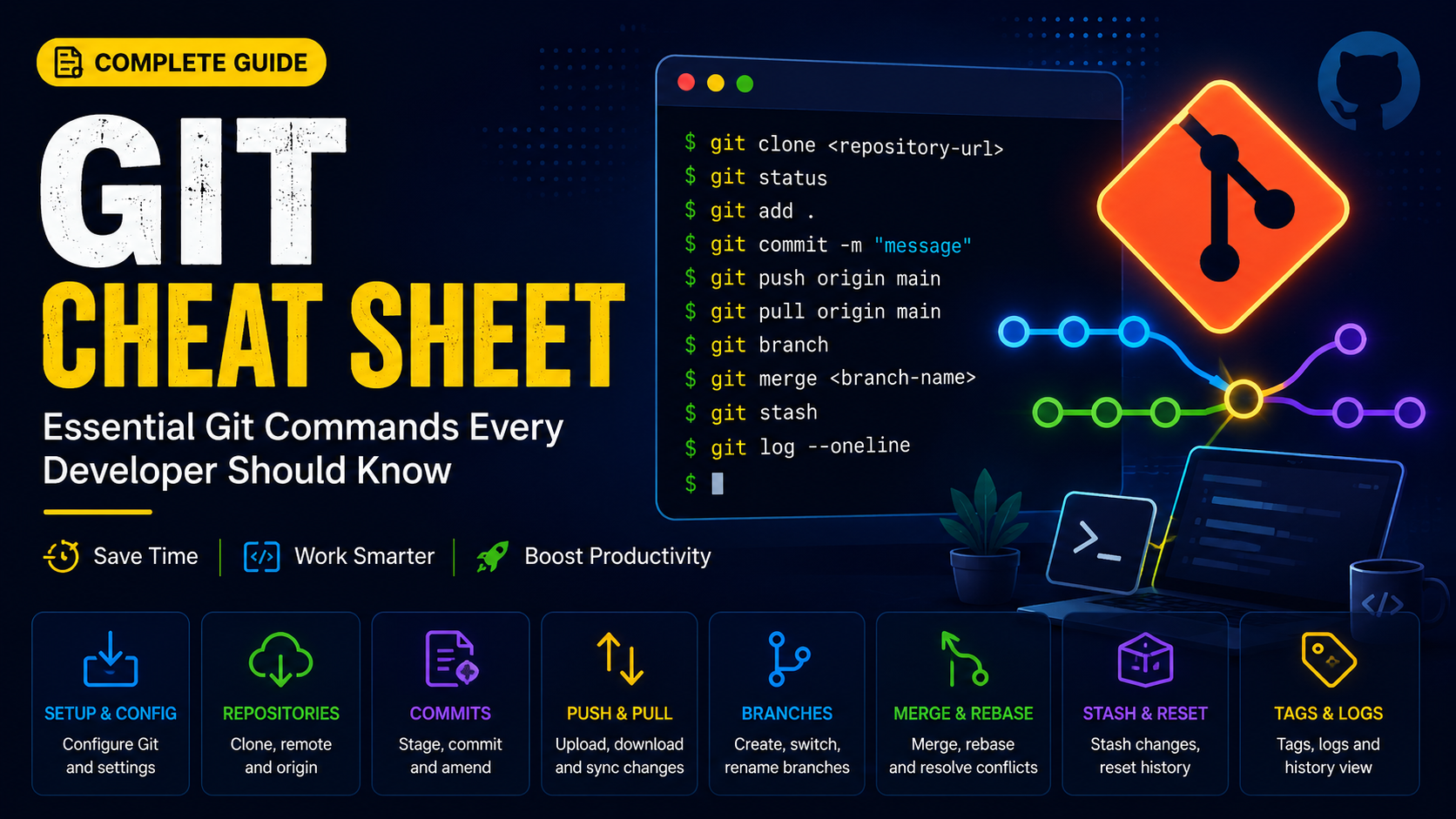
Git Cheat Sheet: Essential Git Commands Every Developer Should Know
Git is the most widely used version control system in the world. Whether you are managing a personal project or collaborating with a team, understanding Git commands can significantly improve productivity.
In This Guide
✓ Git Configuration
✓ Clone Repository
✓ Commit Changes
✓ Push & Pull
✓ Branches
✓ Merge
✓ Stash
✓ Reset
✓ Tags
✓ Troubleshooting
Configure Git
git config --global user.name "Your Name"git config --global user.email "[email protected]"git config --listClone Repository
git clone https://github.com/user/project.gitCheck Repository Status
git statusStage & Commit Changes
git add .git add filename.txtgit commit -m "Initial commit"Push Changes
git push origin mainPull Latest Changes
git pull origin mainBranch Management
git branchgit branch feature-logingit checkout feature-logingit checkout -b feature-loginMerge Branches
git checkout maingit merge feature-loginDelete Branch
git branch -d feature-loginGit Stash
git stashgit stash listgit stash popGit Reset
git reset --soft HEAD~1git reset --hard HEAD~1Tags
git tag v1.0git push origin v1.0Useful Troubleshooting Commands
git log --onelinegit diffgit remote -vgit fetch --allGit Best Practices
Commit Frequently
Small commits are easier to review and revert.
Use Branches
Keep new features isolated until ready.
Pull Before Push
Avoid merge conflicts by syncing first.
Write Clear Messages
Make commit history easier to understand.