


Linux Server Security Hardening
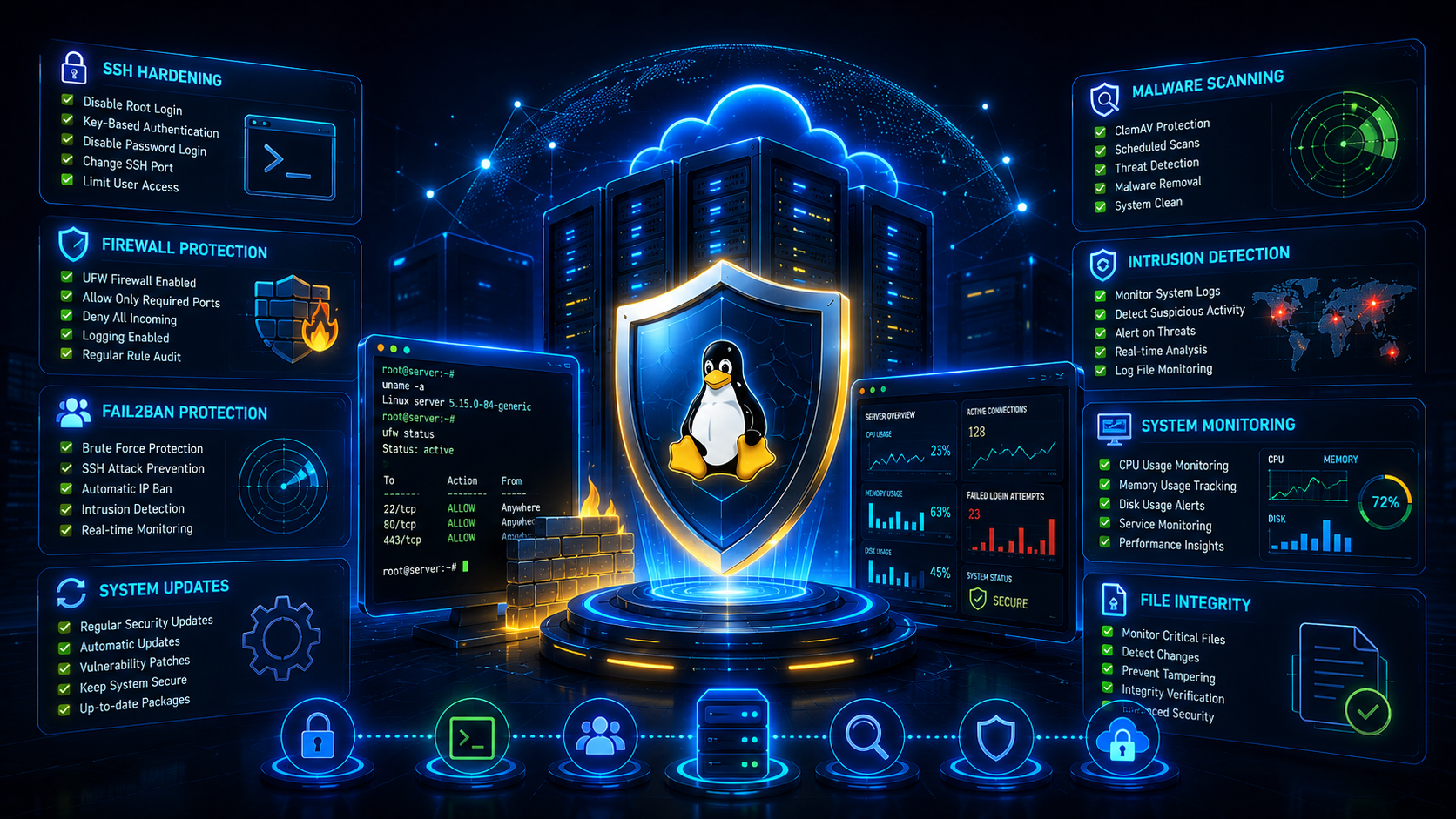
Security should never be an afterthought. Whether you manage a cloud server, VPS, dedicated server or enterprise platform, implementing security best practices can dramatically reduce the risk of compromise, malware infections and unauthorized access.
Security Hardening Checklist
Keep Your Server Updated
Security updates fix vulnerabilities that attackers actively exploit.
sudo apt update
sudo apt upgrade -y
sudo apt autoremove -y
SSH Hardening
SSH is the primary target for automated attacks.
sudo nano /etc/ssh/sshd_configPermitRootLogin no
PasswordAuthentication no
PubkeyAuthentication yes
MaxAuthTries 3sudo systemctl restart sshConfigure UFW Firewall
sudo ufw allow OpenSSH
sudo ufw allow 80
sudo ufw allow 443
sudo ufw enablesudo ufw status verboseInstall Fail2Ban
sudo apt install fail2ban -ysudo systemctl enable fail2ban
sudo systemctl start fail2bansudo fail2ban-client statusSecure User Accounts
sudo adduser cloudadminsudo usermod -aG sudo cloudadminsudo passwd -l unwanteduserInstall Malware Scanner
sudo apt install clamav clamav-daemon -ysudo freshclamclamscan -r /homeSecure File Permissions
find /var/www -type d -exec chmod 755 {} \;find /var/www -type f -exec chmod 644 {} \;Disable Unused Services
sudo systemctl list-unit-files --type=servicesudo systemctl disable service-nameMonitor Active Connections
ss -tulpnnetstat -tulpnlsof -iSecurity Monitoring Tools
- ✓ Fail2Ban
- ✓ ClamAV
- ✓ Wazuh
- ✓ OSSEC
- ✓ Zabbix
- ✓ Prometheus
Backup Strategy
- ✓ Daily Backups
- ✓ Offsite Storage
- ✓ Automated Verification
- ✓ Disaster Recovery Testing
- ✓ Multiple Retention Policies
Frequently Asked Questions
Why is Linux server security important?
Linux servers host websites, applications and databases that often contain sensitive business data. Proper security hardening reduces the risk of unauthorized access, malware infections and data breaches.
What is Linux server hardening?
Linux server hardening is the process of securing a server by applying updates, restricting access, configuring firewalls, monitoring activity and reducing attack surfaces.
How do I secure SSH access?
Disable root login, use SSH key authentication, change default settings where appropriate, limit login attempts and enable Fail2Ban protection.
What is Fail2Ban?
Fail2Ban monitors log files and automatically blocks IP addresses that repeatedly fail authentication attempts or exhibit suspicious behavior.
Should I enable a firewall on Linux servers?
Yes. A firewall such as UFW helps restrict unnecessary network access and limits exposed services to only required ports.
How often should Linux servers be updated?
Security updates should be installed as soon as practical. Regular patching helps protect against known vulnerabilities and emerging threats.
Can Linux servers get malware?
Yes. While Linux is generally secure, malware, rootkits, cryptocurrency miners and compromised applications can still affect improperly secured systems.
What is the best malware scanner for Linux?
Common tools include ClamAV, Wazuh and OSSEC. Many organizations combine multiple layers of protection for better security coverage.
How do I monitor active network connections?
Tools such as ss, netstat and lsof help administrators identify active services, listening ports and suspicious network activity.
Are automated backups important for security?
Absolutely. Backups are essential for recovering from hardware failures, ransomware attacks, accidental deletions and security incidents.
What are the most common Linux server security mistakes?
Common mistakes include weak passwords, disabled updates, unrestricted SSH access, missing backups, exposed services and poor monitoring practices.
How can businesses improve Linux server security?
Businesses should implement layered security controls, continuous monitoring, regular patching, access management, firewall protection and tested backup procedures.
Is managed cloud hosting more secure?
Managed cloud hosting often includes proactive monitoring, patch management, backup automation and security expertise that helps strengthen overall server protection.
CloudRevol Security Stack
CloudRevol secures Linux servers using a multi-layered security approach designed to protect websites, applications and cloud infrastructure.