

← Back to Blog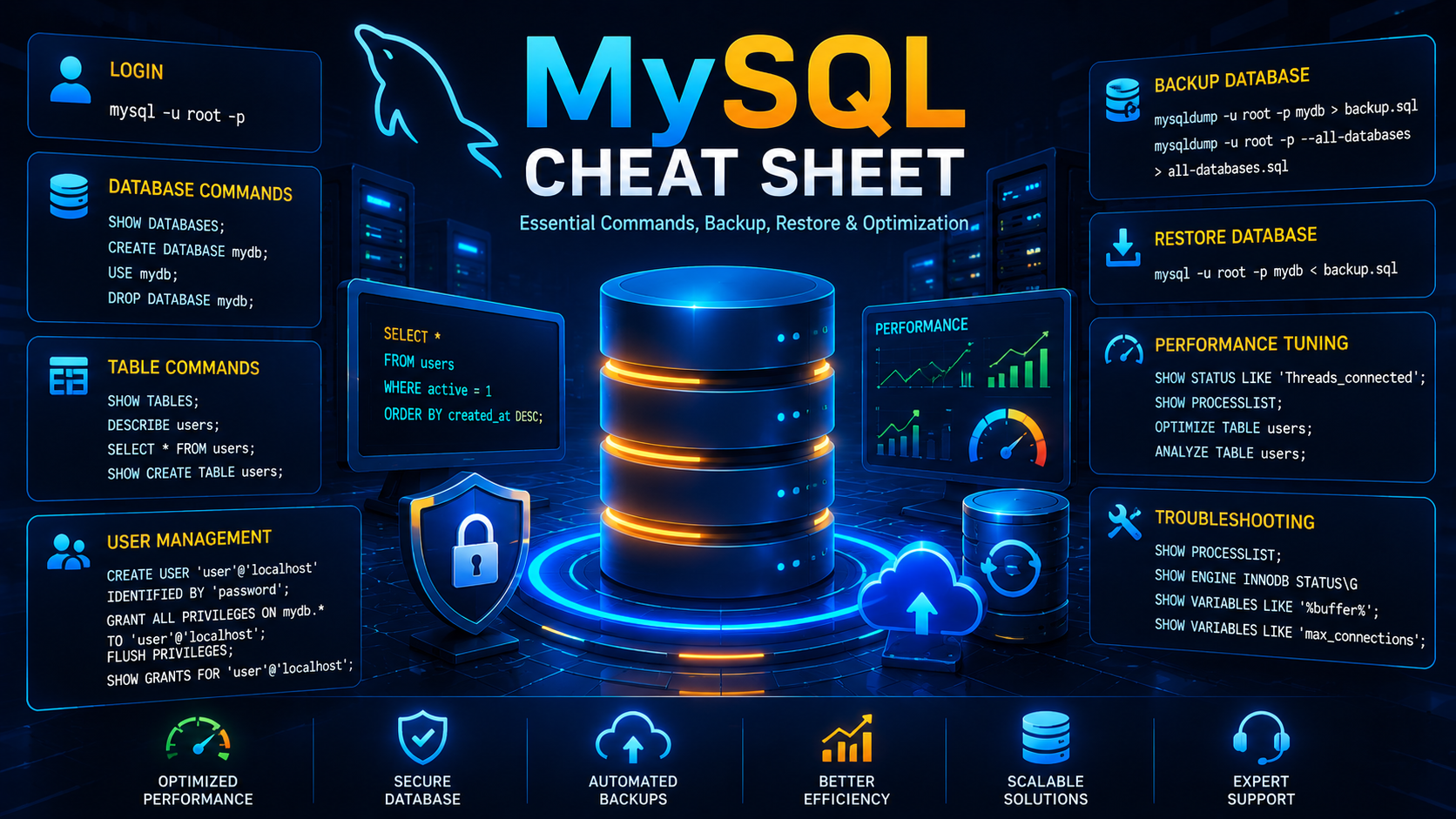
MySQL Cheat Sheet
MySQL is one of the world's most popular relational database management systems. This cheat sheet covers the most useful commands, backups, restores, optimization techniques and troubleshooting steps for administrators and developers.
In This Guide
✓ MySQL Login
✓ Database Commands
✓ User Management
✓ Backup & Restore
✓ Performance Tuning
✓ Security
✓ Troubleshooting
✓ CloudRevol Optimizations
Connect To MySQL
mysql -u root -pmysql -u username -p database_nameDatabase Management
SHOW DATABASES;CREATE DATABASE cloudrevol_db;DROP DATABASE cloudrevol_db;USE cloudrevol_db;Table Commands
SHOW TABLES;DESCRIBE users;SELECT * FROM users LIMIT 10;SHOW CREATE TABLE users;User Management
CREATE USER 'appuser'@'localhost' IDENTIFIED BY 'StrongPassword';GRANT ALL PRIVILEGES ON cloudrevol_db.* TO 'appuser'@'localhost';FLUSH PRIVILEGES;SHOW GRANTS FOR 'appuser'@'localhost';Backup Database
mysqldump -u root -p cloudrevol_db > backup.sqlmysqldump -u root -p --all-databases > all-databases.sqlRestore Database
mysql -u root -p cloudrevol_db < backup.sqlPerformance Optimization
SHOW STATUS LIKE 'Threads_connected';SHOW STATUS LIKE 'Slow_queries';SHOW PROCESSLIST;OPTIMIZE TABLE users;ANALYZE TABLE users;Find Large Tables
SELECT
table_schema,
table_name,
ROUND((data_length+index_length)/1024/1024,2) AS size_mb
FROM information_schema.tables
ORDER BY size_mb DESC;
Security Best Practices
- ✓ Use Strong Passwords
- ✓ Restrict Remote Access
- ✓ Remove Anonymous Users
- ✓ Enable SSL Connections
- ✓ Perform Regular Backups
- ✓ Apply Security Updates
Troubleshooting Commands
SHOW PROCESSLIST;SHOW ENGINE INNODB STATUS\GSHOW VARIABLES LIKE '%buffer%';SHOW VARIABLES LIKE 'max_connections';CloudRevol Database Optimization
CloudRevol fine-tunes MySQL settings according to application requirements and workload patterns.
✓ Key Buffer & InnoDB Buffer Size
✓ Table Cache Optimization
✓ Max Allowed Packet
✓ Sort & Read Buffer Tuning
✓ Thread Cache Size
✓ Query Optimization