

PM2 Complete Guide for Node.js Applications
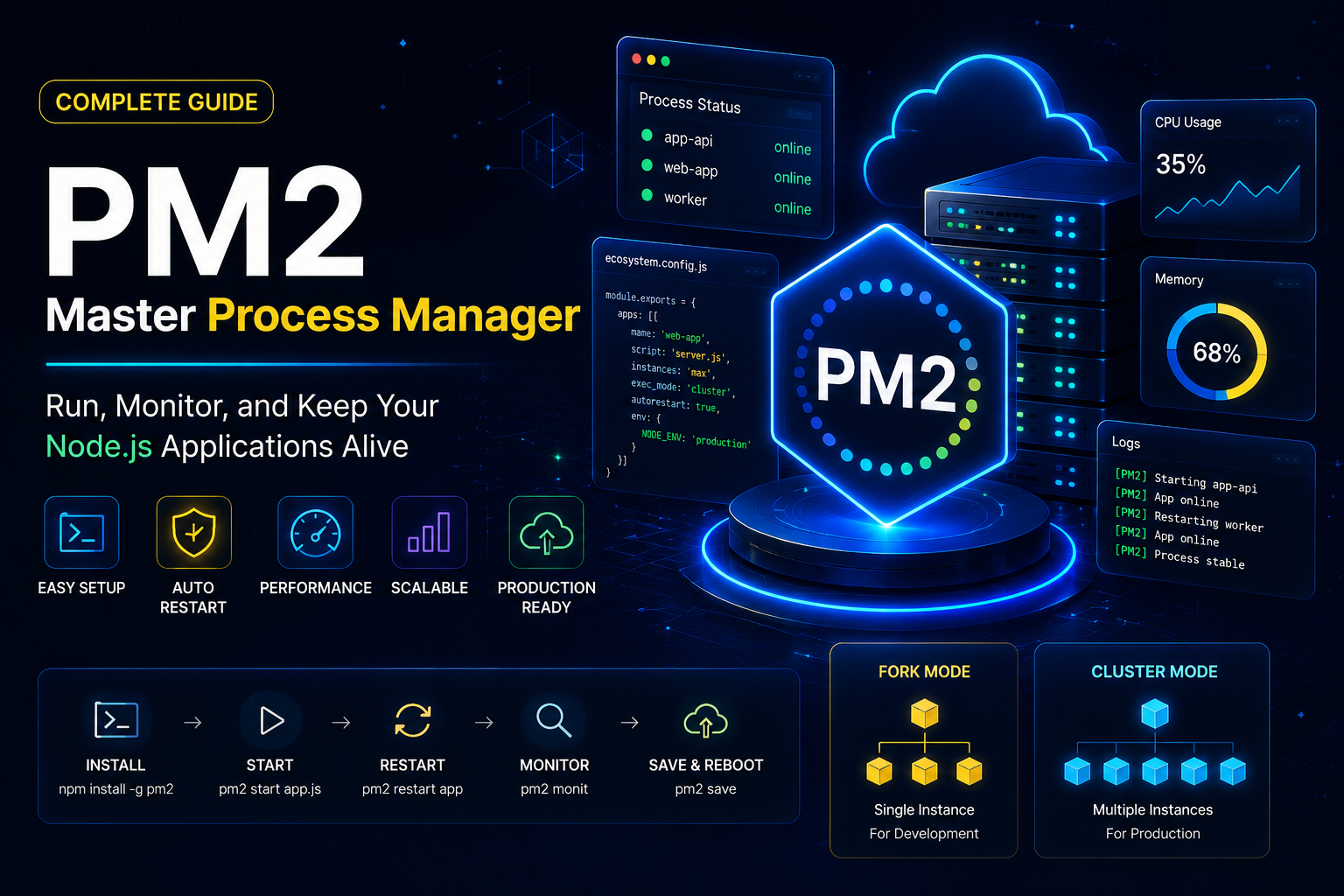
Learn how to install PM2, manage Node.js applications, configure startup scripts, use ecosystem files, enable cluster mode and monitor production workloads.
Install PM2
npm install -g pm2Verify Installation
pm2 --versionStart Application
pm2 start app.jspm2 start server.jsStart Application With Name
pm2 start app.js --name backend-apiView Running Processes
pm2 listRestart Application
pm2 restart backend-apiStop Application
pm2 stop backend-apiDelete Application
pm2 delete backend-apiMonitor Logs
pm2 logspm2 logs backend-apiReal-Time Monitoring
pm2 monitEnable Startup On Server Reboot
pm2 startuppm2 saveThis ensures applications automatically start after reboot.
Ecosystem File Example-1
module.exports = {
  apps: [
    {
      name: "backend-api",
      script: "./server.js",
      instances: 2,
      exec_mode: "cluster",
      watch: false,
      autorestart: true,
      max_memory_restart: "500M",
      env: {
        NODE_ENV: "production",
        PORT: 3000
      }
    }
  ]
};
Start Using Ecosystem File
pm2 start ecosystem.config.jsReload Zero Downtime
pm2 reload ecosystem.config.jsFork Mode Example
Fork mode runs a single instance of your application. This is ideal for development environments, small websites, internal tools, or applications with low traffic.
pm2 start server.js --name backend-apiWhen To Use Fork Mode
- ✓ Development environments
- ✓ Low traffic websites
- ✓ Background workers
- ✓ Cron jobs
- ✓ Small APIs
Cluster Mode Example
Cluster mode allows PM2 to use multiple CPU cores. This improves performance, scalability, and application availability for production workloads.
pm2 start server.js -i max --name backend-apiThe max option automatically uses all available CPU cores.
When To Use Cluster Mode
- ✓ Production APIs
- ✓ High traffic websites
- ✓ SaaS applications
- ✓ Node.js microservices
- ✓ Load-balanced applications
Useful PM2 Commands
pm2 show backend-apipm2 flushpm2 restart allpm2 stop allnpm install pm2@latest -g && pm2 updatepm2 scale backend-api 8PM2 Best Practices
Follow these production-ready PM2 recommendations to improve reliability, performance, monitoring, and scalability of your Node.js applications.
Use Cluster Mode
Utilize all CPU cores by running multiple instances for improved scalability and performance.
Enable Auto Restart
Automatically recover applications after crashes without manual intervention.
Use Ecosystem Files
Store all application configurations in a central ecosystem.config.js file.
Set Memory Limits
Prevent runaway processes by configuring max_memory_restart values.
Monitor Regularly
Use pm2 monit and logs to proactively identify performance bottlenecks.
Protect Secrets
Store API keys, database credentials, and tokens in environment variables.
Zero Downtime Deployments
Use PM2 reload commands to deploy updates without service interruptions.
Enable Startup Scripts
Configure PM2 startup and save commands to survive server reboots.
Keep PM2 Updated
Always run the latest stable PM2 version for security fixes and improvements.