

Database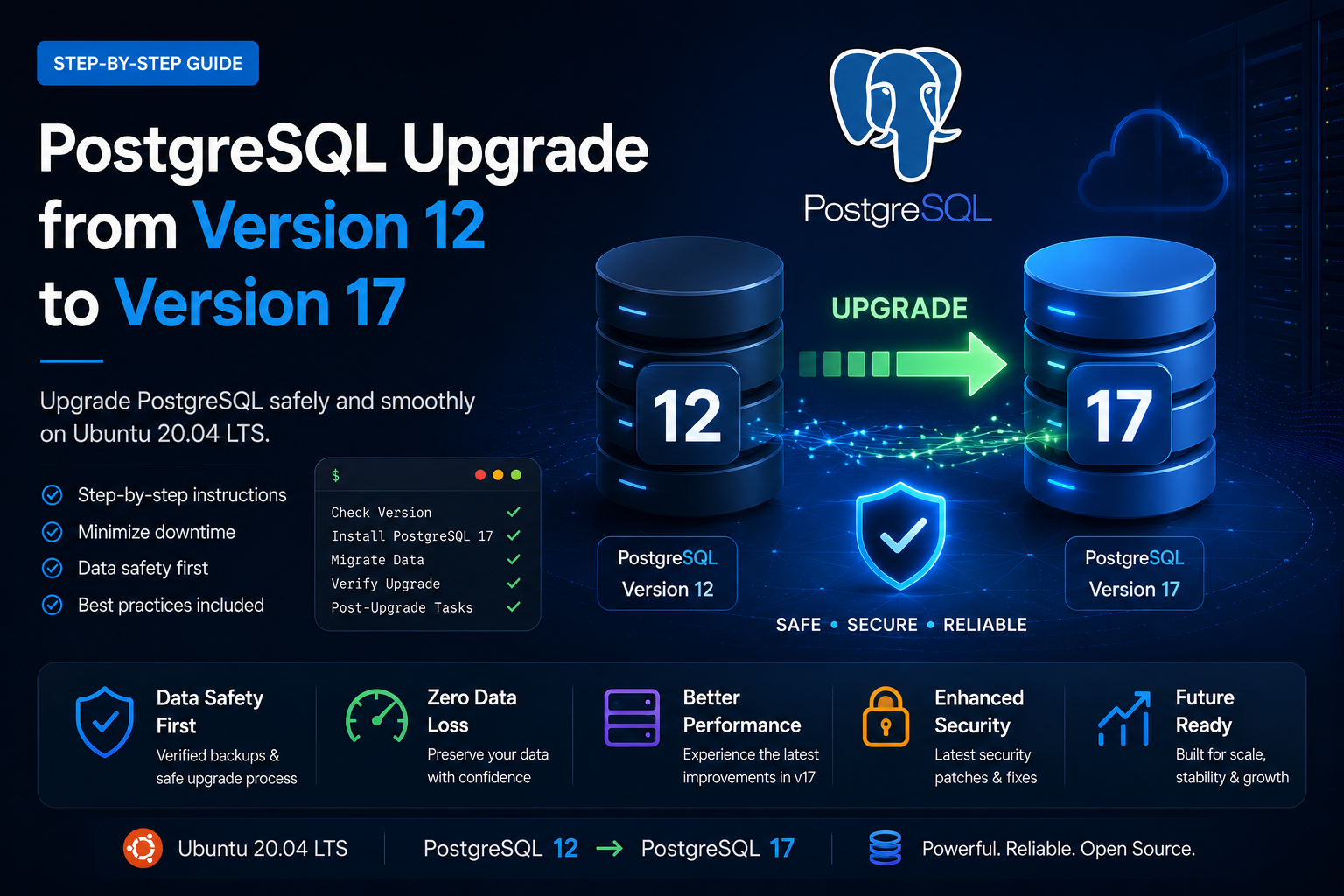
PostgreSQL Upgrade from Version 12 to Version 17
Published: June 12, 2026 · 10 min read
Learn how to safely upgrade PostgreSQL from Version 12 to Version 17 on Ubuntu 20.04 LTS with step-by-step instructions and best practices.
Overview
This guide explains how to upgrade PostgreSQL from Version 12 to Version 17 on Ubuntu 20.04 LTS. We'll cover the complete upgrade process, including preparation, migration, verification, and post-upgrade cleanup.
Prerequisites
- Server running PostgreSQL 12
- Ubuntu 20.04 LTS
- Shell access with sudo privileges
- Recent database backup
Important: Always back up your databases before performing any PostgreSQL upgrade.
Step 1: Prepare for PostgreSQL 17 Installation
Add PostgreSQL Repository Key
wget --quiet -O - https://www.postgresql.org/media/keys/ACCC4CF8.asc | sudo apt-key add -Add PostgreSQL Repository
echo "deb http://apt.postgresql.org/pub/repos/apt/ $(lsb_release -cs)-pgdg main" | sudo tee /etc/apt/sources.list.d/pgdg.listUpdate Packages
sudo apt updateInstall PostgreSQL 17
sudo apt install postgresql-17 postgresql-client-17 -yVerify Installation
dpkg -l | grep postgresqlpg_lsclustersStep 2: Upgrade PostgreSQL
Stop PostgreSQL Service
sudo service postgresql stopRemove Empty PostgreSQL 17 Cluster
sudo service postgresql stopUpgrade Cluster
sudo pg_upgradecluster 12 mainStep 3: Start PostgreSQL
sudo service postgresql startpg_lsclustersStep 4: Verify Upgrade
sudo -u postgres psqlSELECT version();\qStep 5: Remove Old PostgreSQL 12 Cluster (Optional)
sudo pg_dropcluster 12 mainPost-Upgrade Best Practices
sudo -u postgres vacuumdb --all --analyze-in-stagessudo tail -f /var/log/postgresql/postgresql-17-main.logNeed Help?
If you need assistance with PostgreSQL upgrades, migrations, or managed database services, contact CloudRevol Support.
[email protected]