

React vs Next.js:Which Should You Choose in 2026?
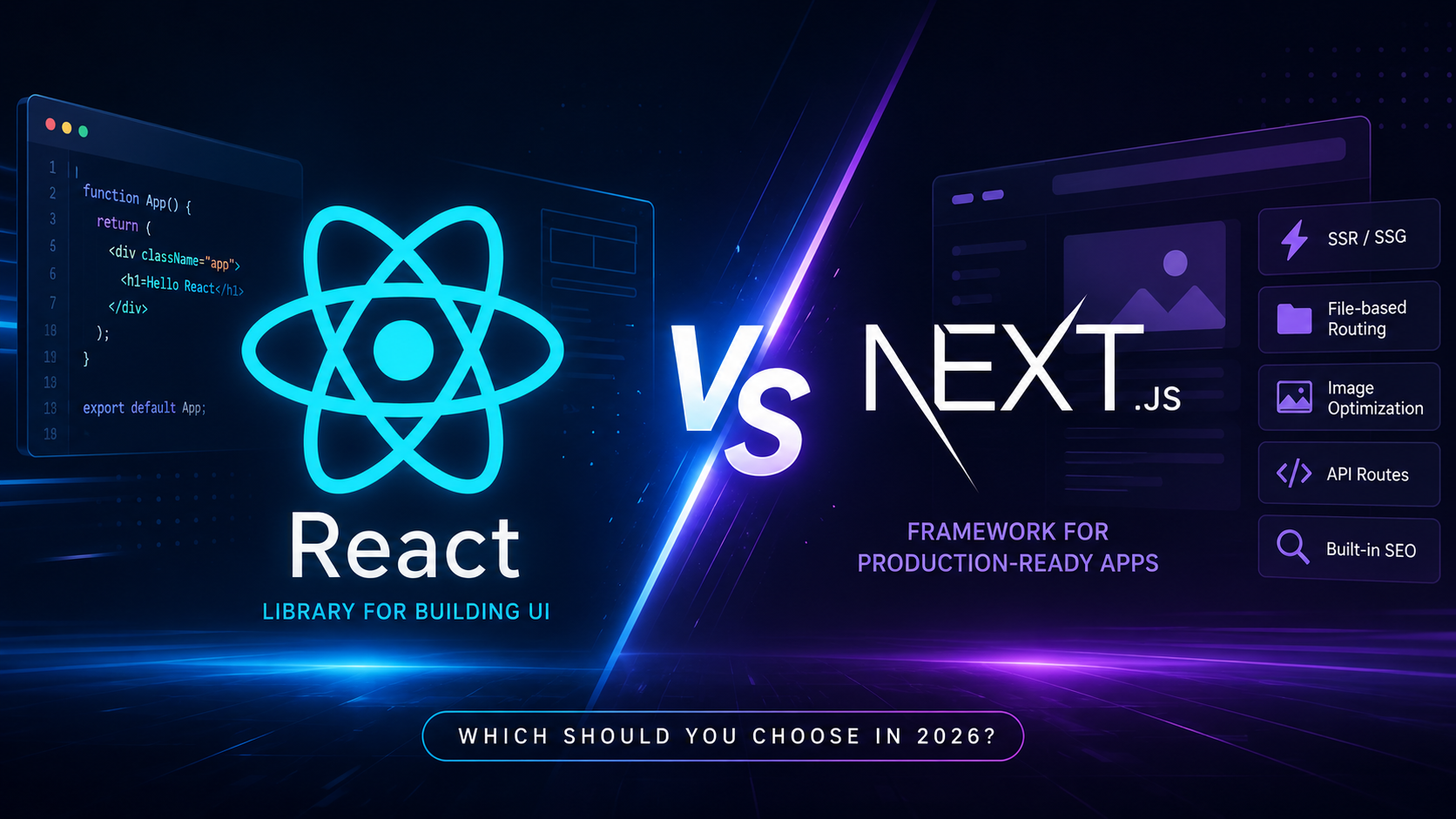
React and Next.js are two of the most popular technologies for building modern web applications. While React focuses on creating reusable UI components, Next.js extends React with powerful production-ready features like Server-Side Rendering (SSR), Static Site Generation (SSG), file-based routing, image optimization, and excellent SEO capabilities.
In this comprehensive comparison, we'll explore the differences between React and Next.js, compare their performance, SEO, developer experience, scalability, and help you decide which one is the right choice for your next project in 2026.
In This Guide
What is React?
React is an open-source JavaScript library developed by Meta for building fast and interactive user interfaces. It follows a component-based architecture, allowing developers to create reusable UI components that make applications easier to maintain and scale.
React primarily renders applications on the client side. It provides excellent flexibility, but developers often need to add additional libraries for routing, SEO, state management, image optimization, and server-side rendering.
Key Features
- ✓ Component-Based Architecture
- ✓ Virtual DOM
- ✓ JSX Syntax
- ✓ Huge Ecosystem
- ✓ Reusable Components
Best For
- ✓ Dashboards
- ✓ Internal Tools
- ✓ Single Page Applications
- ✓ Enterprise Applications
- ✓ Interactive Interfaces
What is Next.js?
Next.js is a full-stack React framework created by Vercel. It includes many features that developers normally have to configure manually in a standard React project, such as routing, Server-Side Rendering (SSR), Static Site Generation (SSG), API routes, middleware, image optimization, metadata management, and built-in performance enhancements.
Because these features are available out of the box, Next.js is widely used for business websites, SaaS platforms, blogs, eCommerce stores, marketing websites, and applications where SEO and performance are important.
Built-in Features
- ✓ File-based Routing
- ✓ Server Components
- ✓ Image Optimization
- ✓ Metadata API
- ✓ API Routes
Perfect For
- ✓ SEO Websites
- ✓ SaaS Platforms
- ✓ Blogs
- ✓ eCommerce
- ✓ Landing Pages
React vs Next.js Comparison
| Feature | React | Next.js |
|---|---|---|
| Type | JavaScript Library | React Framework |
| Routing | React Router | Built-in App Router |
| SEO | Limited | Excellent |
| SSR | Requires Setup | Built-in |
| SSG | Requires Setup | Built-in |
| Image Optimization | No | Yes |
| API Routes | No | Yes |
| Performance | Very Good | Excellent |
| Deployment | Flexible | Optimized |
| Learning Curve | Easy | Moderate |
Performance Comparison
Performance is one of the biggest reasons developers choose Next.js. While React applications render entirely on the client by default, Next.js can pre-render pages on the server or generate static pages during build time, resulting in significantly faster initial page loads and better Core Web Vitals.
React
- ❌ Client-side Rendering
- ❌ Larger Initial JavaScript Bundle
- ❌ Slower First Paint
- ❌ Additional SEO Libraries
- ✅ Excellent SPA Performance
Next.js
- ✅ Server-Side Rendering (SSR)
- ✅ Static Site Generation (SSG)
- ✅ Automatic Code Splitting
- ✅ Image Optimization
- ✅ Better Core Web Vitals
Why Next.js is Faster
Next.js reduces the amount of JavaScript that browsers need to download before displaying a page. Combined with server rendering, automatic code splitting, optimized assets, and lazy loading, applications become noticeably faster than traditional React SPAs.
SEO Comparison
Search engine optimization is where Next.js truly shines. React applications often rely on client-side rendering, making it harder for search engines to index content quickly. Next.js renders content before it reaches the browser, making pages easier to crawl and improving search rankings.
React SEO
- ❌ Client-side Rendering
- ❌ Manual Meta Tags
- ❌ Extra SEO Packages
- ❌ Slower Crawling
- ❌ More Configuration
Next.js SEO
- ✅ Server Rendering
- ✅ Metadata API
- ✅ Dynamic Meta Tags
- ✅ Open Graph Support
- ✅ Sitemap & Robots
Folder Structure
React projects usually organize pages manually and require additional libraries for routing. Next.js follows a file-based routing system where folders automatically become routes, reducing configuration and making projects easier to maintain.
React
src/
 ├── components/
 ├── pages/
 ├── App.jsx
 ├── index.js
 └── assets/
Next.js
app/
 ├── layout.tsx
 ├── page.tsx
 ├── about/
 ├── blog/
 ├── api/
 └── components/
Routing
React relies on React Router to manage navigation. In contrast, Next.js automatically creates routes based on your folder structure, reducing boilerplate code and simplifying development.
React Router
<Routes>

<Route
 path="/about"
 element={<About />}
/>

</Routes>
Next.js App Router
app/

about/

page.tsx
Image Optimization
React uses the standard HTML image tag, while Next.js provides the <Image /> component, which automatically optimizes images, serves modern formats, lazy-loads content, and improves Core Web Vitals.
React
<img
src="/hero.jpg"
alt="Hero"
/>
Next.js
import Image from "next/image";

<Image
src="/hero.jpg"
alt="Hero"
width={1200}
height={700}
/>
Data Fetching
React applications commonly fetch data using useEffect after the page loads. Next.js allows data to be fetched directly on the server before the page is rendered, resulting in faster loading and improved SEO.
React
useEffect(() => {

fetch("/api/posts")
.then(res=>res.json())
.then(setPosts);

}, []);
Next.js
export default async function Page(){

const posts =
await fetch(API_URL);

return <Posts />;

}
Developer Experience
Both React and Next.js offer an excellent developer experience, but Next.js provides many production-ready features out of the box, reducing the need for third-party libraries and complex configuration.
Built-in Routing
Metadata API
Image Optimization
Server Components
Pros & Cons
Every technology has strengths and trade-offs. React offers unmatched flexibility for building interactive user interfaces, while Next.js provides a complete framework with built-in features that reduce development time and improve production performance.
React
Advantages
- ✓ Huge Community
- ✓ Flexible Architecture
- ✓ Excellent SPA Framework
- ✓ Massive Ecosystem
- ✓ Easy To Learn
Limitations
- ✕ SEO Requires Extra Work
- ✕ React Router Required
- ✕ No Image Optimization
- ✕ Manual Configuration
- ✕ Client-side Rendering Only
Next.js
Advantages
- ✓ Built-in SEO
- ✓ File-based Routing
- ✓ Image Optimization
- ✓ SSR & SSG Support
- ✓ Better Performance
- ✓ Metadata API
- ✓ Server Components
Limitations
- ✕ Slight Learning Curve
- ✕ Opinionated Structure
- ✕ Some React Packages Need Changes
When Should You Choose React?
When Should You Choose Next.js?
Final Verdict
React and Next.js are not competitors—they complement each other. React is the library that powers the user interface, while Next.js builds on top of React by adding production-ready features like routing, server rendering, image optimization, and built-in SEO.
| Project Type | Recommended |
|---|---|
| Business Website | Next.js ✅ |
| Blog | Next.js ✅ |
| Landing Page | Next.js ✅ |
| Portfolio | Next.js ✅ |
| eCommerce | Next.js ✅ |
| SaaS | Next.js ✅ |
| Dashboard | React |
| Internal Tool | React |
| Enterprise SPA | React / Next.js |
Frequently Asked Questions
Is Next.js replacing React?
No. Next.js is built on top of React. Every Next.js application uses React.
Is Next.js better than React?
It depends on your project. Next.js is better for SEO, performance and production-ready applications, while React is ideal for SPAs and internal dashboards.
Should beginners learn React or Next.js first?
Learning React first provides a solid foundation before moving on to Next.js.
Does Next.js improve SEO?
Yes. Server-side rendering, static generation and the Metadata API help search engines crawl and index your pages more effectively.
Can I migrate an existing React project to Next.js?
Yes. Most React components, hooks, Redux stores and API calls can be reused with minimal changes.
Can I use Redux in Next.js?
Absolutely. Redux Toolkit works perfectly with Next.js.
Does Next.js support Tailwind CSS?
Yes. Tailwind CSS integrates seamlessly with Next.js and is one of the most popular styling solutions.
Which is better for business websites?
Next.js is generally the better choice because of its SEO, performance and built-in optimizations.
Ready to Build with Next.js?
Whether you're launching a business website, SaaS platform, blog, or enterprise application, choosing the right hosting platform is just as important as choosing the right framework. CloudRevol provides high-performance cloud infrastructure optimized for modern React and Next.js applications.