

Website Security Basics Every Business Should Know
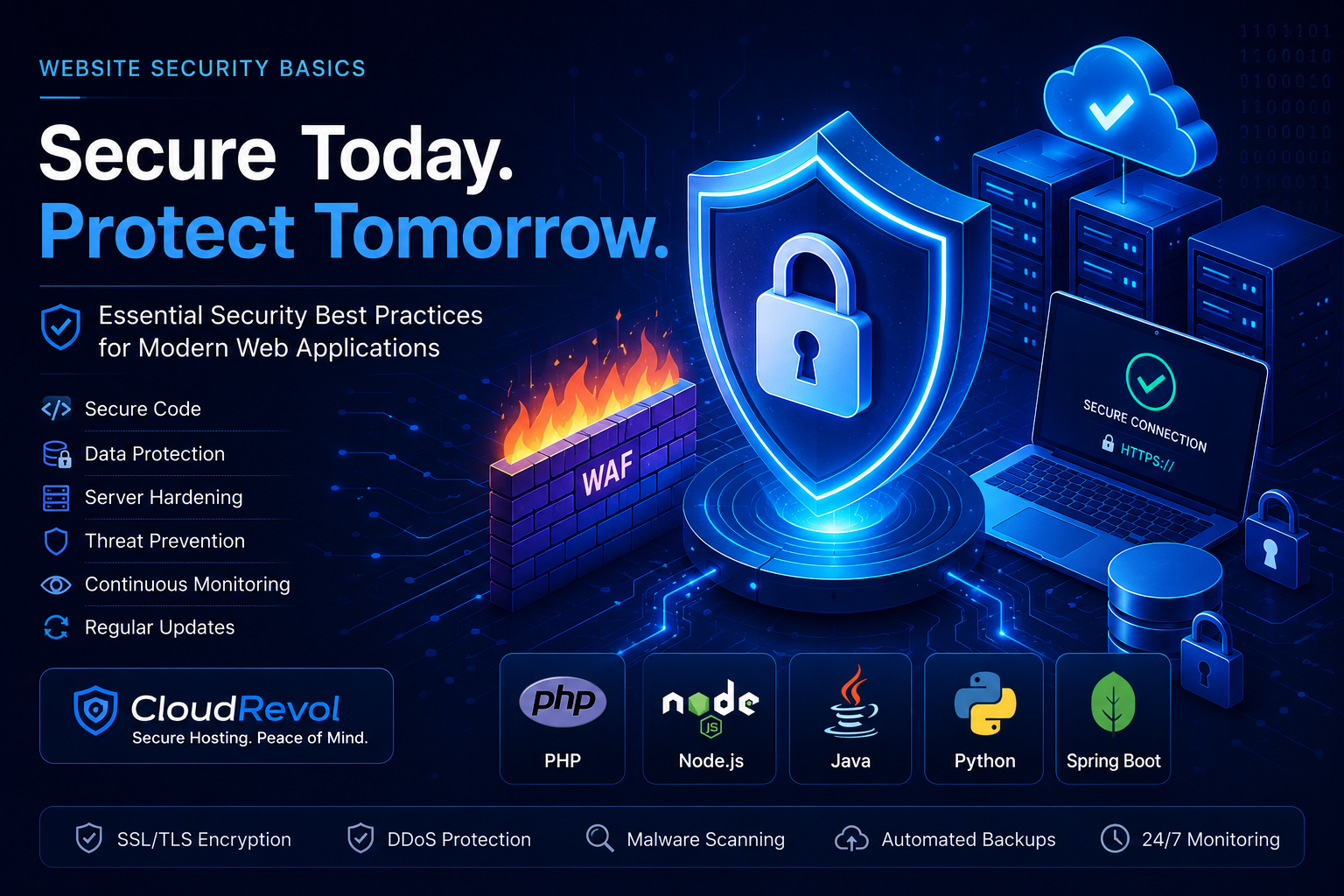
Cyber threats continue to evolve every year. Whether your application is built with PHP, Node.js, Java, Python, WordPress, Laravel, Spring Boot or Django, security must be part of your deployment strategy.
Why Website Security Matters
A compromised website can lead to data breaches, lost revenue, damaged reputation, SEO penalties, malware infections and business downtime.
Common Security Threats
- • SQL Injection
- • Cross-Site Scripting (XSS)
- • Remote Code Execution
- • Credential Theft
- • Malware Infections
- • Brute Force Attacks
- • DDoS Attacks
- • Misconfigured Servers
Universal Security Best Practices
SSL/TLS Encryption
Always use HTTPS to encrypt communication.
Strong Password Policies
Enforce strong passwords and MFA.
Regular Updates
Keep applications and dependencies updated.
Principle of Least Privilege
Grant only required permissions.
Infrastructure Security Best Practices
Firewall Protection
Restrict unauthorized access and protect servers from common attacks.
Web Application Firewall (WAF)
Block malicious requests before they reach your application.
Malware Scanning
Detect and remove malicious files before they cause damage.
Automated Backups
Ensure rapid recovery from accidental deletion or cyber incidents.
Security Monitoring
Continuous monitoring helps identify suspicious activity early.
DDoS Protection
Protect websites and applications from traffic-based attacks.
Security Best Practices By Technology
PHP Security
- ✓ Disable dangerous PHP functions
- ✓ Use prepared statements
- ✓ Validate user input
- ✓ Keep PHP versions updated
- ✓ Hide PHP version information
- ✓ Use secure session handling
Node.js Security
- ✓ Use Helmet.js
- ✓ Validate request data
- ✓ Keep npm packages updated
- ✓ Protect API endpoints
- ✓ Implement rate limiting
- ✓ Store secrets in environment variables
Java Security
- ✓ Keep JDK updated
- ✓ Use Spring Security
- ✓ Protect against deserialization attacks
- ✓ Use secure authentication
- ✓ Enable HTTPS everywhere
- ✓ Implement role-based access control
Python Security
- ✓ Keep dependencies updated
- ✓ Use secure secret management
- ✓ Validate user inputs
- ✓ Protect APIs with authentication
- ✓ Enable logging and monitoring
- ✓ Follow Django & Flask security guidelines
Infrastructure Security Best Practices
Firewall Protection
Restrict unauthorized access and secure network traffic.
Web Application Firewall
Protect websites from common OWASP attacks.
Malware Scanning
Detect and remove malicious code automatically.
Automated Backups
Recover quickly from security incidents or failures.
Security Monitoring
Continuous monitoring for suspicious activity.
DDoS Protection
Defend against traffic floods and denial-of-service attacks.
Why Businesses Choose CloudRevol
Businesses choose CloudRevol because we deliver enterprise-grade performance, security, reliability, and expert support without charging additional management fees. Our goal is simple: help your applications run faster, stay secure, and scale effortlessly.
AcceleronX Performance
Optimized hosting stack delivering faster page load times, improved responsiveness and better user experiences.
Free Migration
Move your websites, applications and databases without downtime or migration fees.
Expert Technical Support
Experienced engineers available to assist with hosting, performance, deployments and troubleshooting.
Security First
Firewalls, malware protection, security monitoring and proactive hardening help protect your infrastructure.
Automated Backups
Regular backups and recovery options ensure your data remains protected and recoverable.
No Management Fees
Receive technical assistance and platform support without hidden management charges.
Final Thoughts
Website security is not a one-time task. It requires continuous monitoring, updates, infrastructure hardening and proactive protection.