

WordPress Hosting Optimization Guide
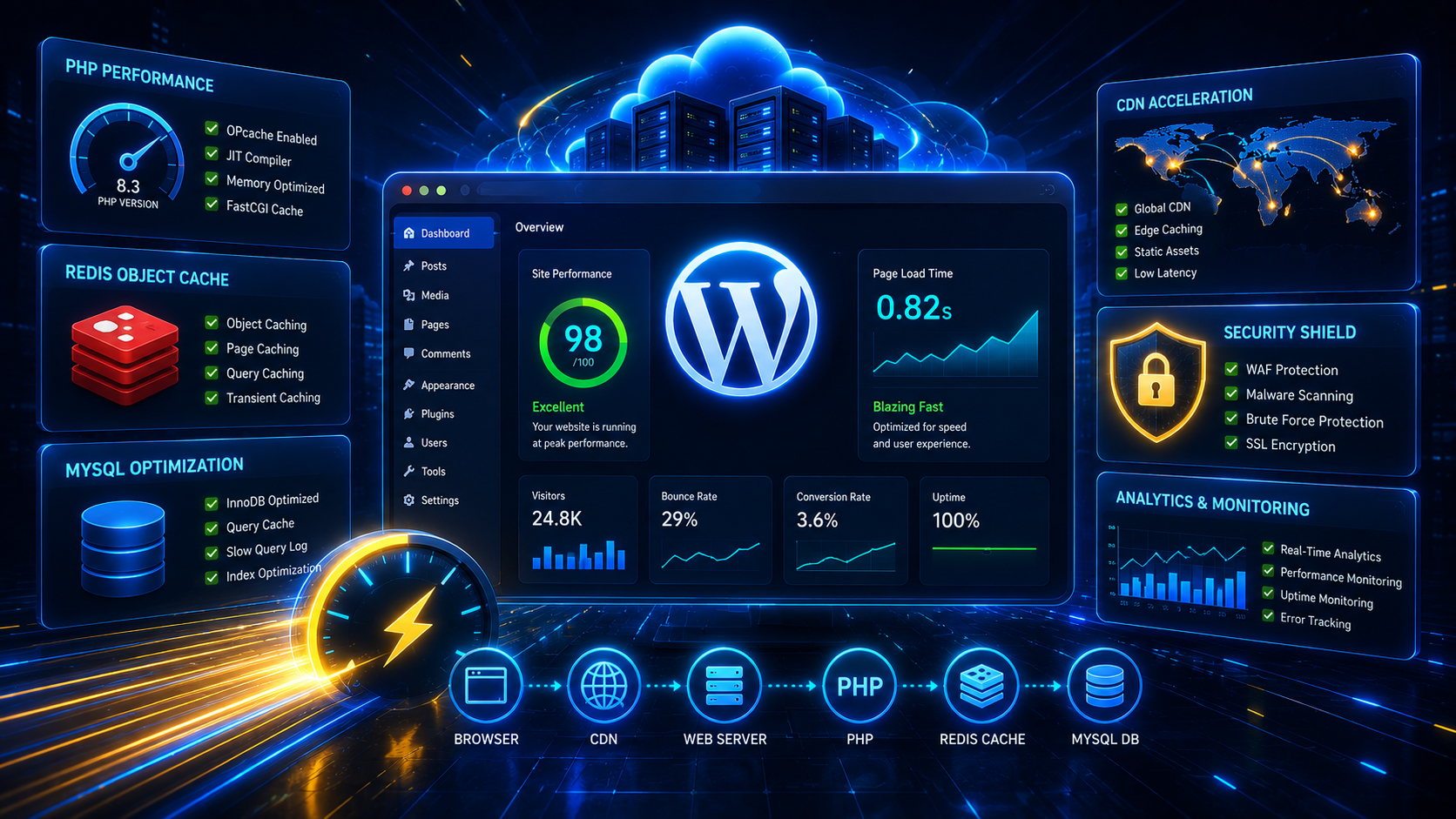
A slow WordPress website impacts SEO rankings, user experience and conversions. This guide covers the most effective hosting, caching, database, PHP and security optimizations to maximize WordPress performance.
Optimization Checklist
Choose High Performance Hosting
Hosting is the foundation of WordPress performance. Shared hosting environments often become slow due to resource contention.
PHP Optimization
- ✓ Use PHP 8.3+
- ✓ Enable OPcache
- ✓ Increase PHP Memory Limit
- ✓ Tune PHP-FPM Workers
- ✓ Disable Unused Extensions
memory_limit = 512M
max_execution_time = 300
upload_max_filesize = 256M
post_max_size = 256M
Database Optimization
WordPress relies heavily on MySQL or MariaDB performance.
- ✓ Optimize Tables Regularly
- ✓ Tune InnoDB Buffers
- ✓ Remove Old Revisions
- ✓ Clean Expired Transients
- ✓ Monitor Slow Queries
OPTIMIZE TABLE wp_posts;
OPTIMIZE TABLE wp_options;
Enable Redis Object Cache
Redis significantly improves dynamic page performance.
sudo apt install redis-server -ysudo systemctl enable redis-serverWeb Server Optimization
- ✓ Enable Gzip Compression
- ✓ Browser Caching
- ✓ Proxy Buffer Tuning
- ✓ KeepAlive Optimization
- ✓ HTTP/2 Enabled
Image Optimization
- ✓ Use WebP Images
- ✓ Compress Uploads
- ✓ Lazy Load Images
- ✓ Resize Large Images
- ✓ Use CDN Delivery
WordPress Security Best Practices
- ✓ Enable WAF Protection
- ✓ Use Strong Passwords
- ✓ Enable MFA
- ✓ Disable XML-RPC If Not Needed
- ✓ Install Security Updates
- ✓ Malware Scanning
- ✓ Daily Backups
CDN Optimization
A Content Delivery Network reduces latency by serving assets from locations closest to your visitors.
CloudRevol AcceleronX WordPress Optimization
CloudRevol AcceleronX Hosting Stack includes advanced optimizations designed to improve WordPress speed without requiring application changes.
Why Businesses Choose CloudRevol
CloudRevol provides optimized WordPress hosting with free migration, security hardening, performance tuning, backups, monitoring and expert support.