


WordPress wp2shell Vulnerability:
Active Exploitation & Protection Guide
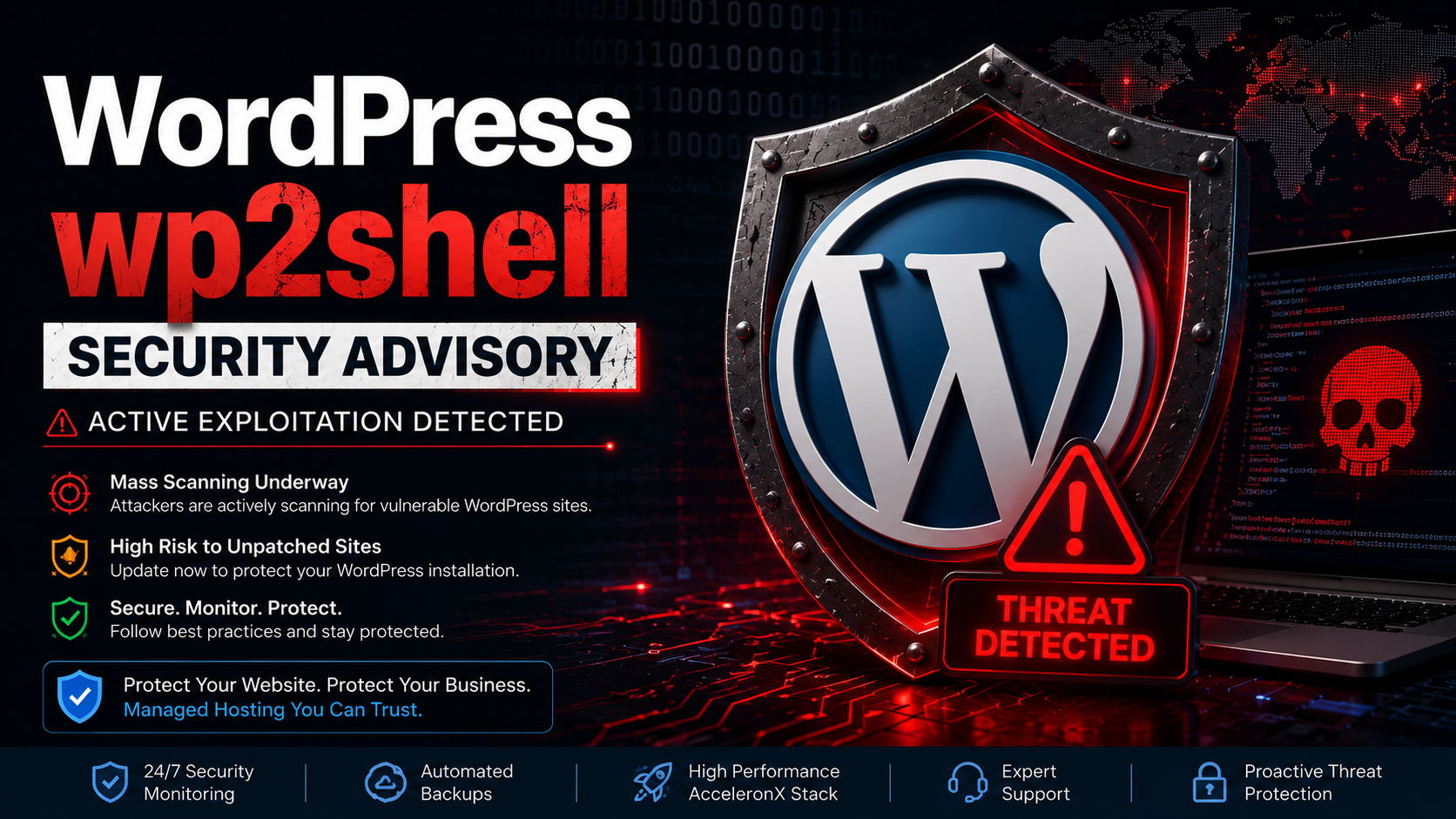
Security researchers have reported active exploitation attempts targeting a recently disclosed WordPress vulnerability chain. Website owners should review their WordPress installations, apply available security updates, verify plugin integrity, and monitor for signs of unauthorized activity.
Executive Summary
A recently disclosed WordPress vulnerability chain has attracted significant attention from security researchers and threat actors. Public awareness of the issue has been followed by increased automated scanning activity across the internet as attackers look for websites that have not yet been secured.
While not every WordPress website is affected in the same way, organizations should treat any actively exploited vulnerability as a reminder to review security controls, verify software versions, remove unused plugins, and ensure backups are available.
This CloudRevol security advisory explains the potential risks, common indicators of compromise, recommended defensive measures, and practical steps to help reduce exposure.
At a Glance
🚨 Active Scanning
Internet-wide scanning has been reported as attackers search for vulnerable WordPress websites.
⚠ High Risk
Unpatched websites may be exposed to unauthorized access or further compromise depending on their configuration.
🔒 Immediate Action
Apply available updates, review installed plugins, enable security monitoring, and verify backups.
✅ Best Practice
Managed security monitoring, routine patching, and proactive maintenance significantly reduce operational risk.
What is the WordPress wp2shell Vulnerability?
The term wp2shell is commonly used to describe a vulnerability chain that may allow attackers to progress from an initial weakness toward executing malicious code on an affected website. Once a server is compromised, attackers often attempt to upload backdoors, modify website content, steal credentials, or use the server for additional malicious activity.
Although the exact impact depends on software versions, configuration, installed components, and whether security updates have already been applied, administrators should always investigate newly disclosed vulnerabilities promptly and follow official remediation guidance.
A strong security posture includes timely updates, continuous monitoring, regular backups, least-privilege access, and a managed hosting environment that helps detect unusual behavior before it escalates.
How Attackers Typically Target Vulnerable WordPress Websites
Modern attacks are highly automated. Threat actors continuously scan the internet for websites running outdated WordPress installations, vulnerable plugins, or insecure configurations. Once a weakness is identified, automated tools attempt to gain access before website owners have an opportunity to apply security updates.
Internet Scan
Automated bots search for exposed WordPress websites.
Detect
Identify outdated software or vulnerable components.
Exploit
Attempt to gain unauthorized access.
Deploy
Install malicious files or persistence mechanisms.
Maintain Access
Continue malicious activity until detected.
Signs Your WordPress Website May Be Compromised
Immediate Security Actions
🔄 Update WordPress
Install the latest supported WordPress release and all available security updates.
🔌 Review Plugins
Remove unused plugins and update every active extension.
👤 Audit Users
Verify administrator accounts and remove unknown users.
🔑 Rotate Credentials
Change administrator passwords, hosting credentials, SSH keys, and API tokens if compromise is suspected.
💾 Verify Backups
Ensure recent backups are available and can be restored if needed.
📊 Review Logs
Examine web server, authentication, and application logs for unusual activity.
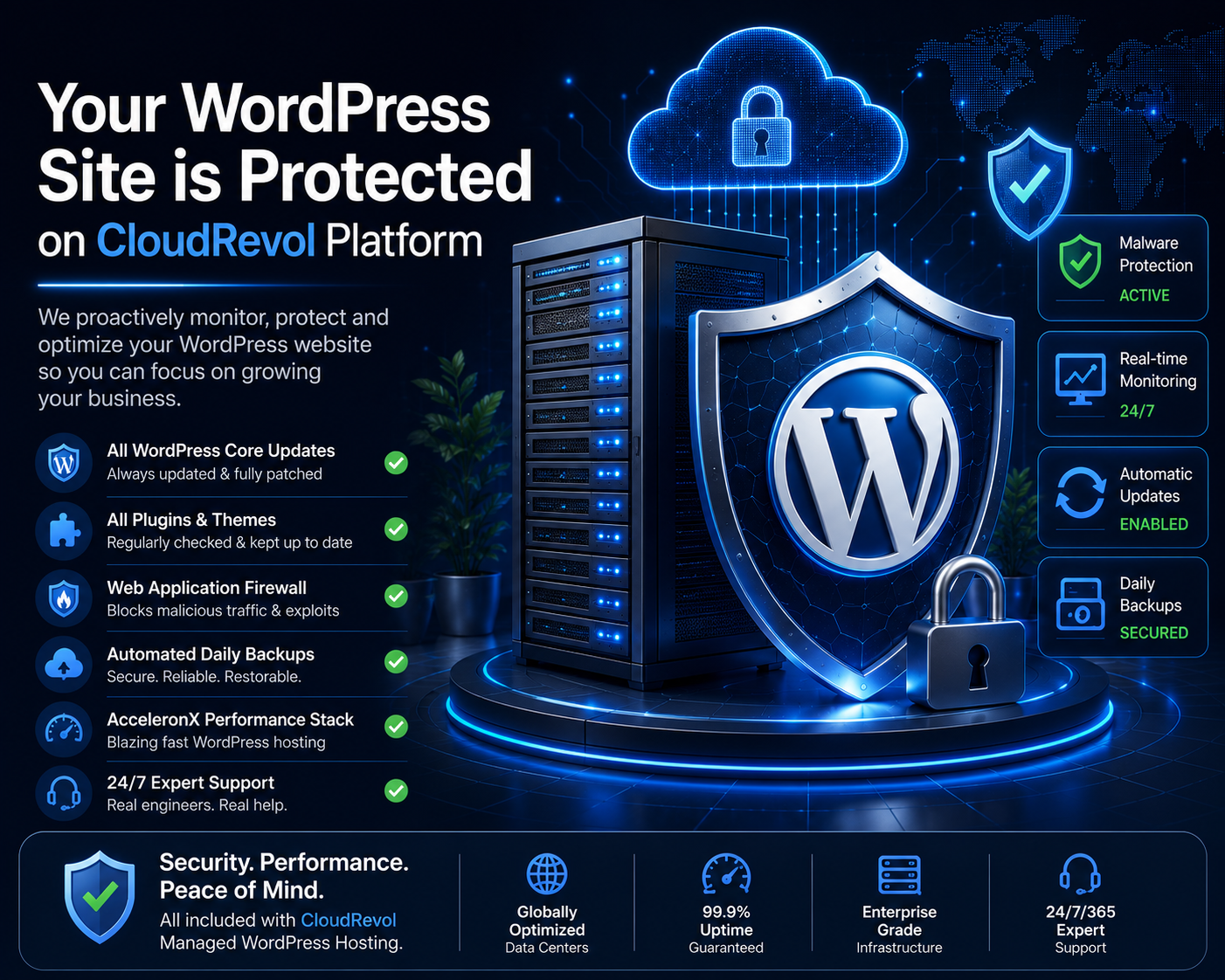
Your WordPress Website Is Already Protected on CloudRevol
Security incidents like the wp2shell vulnerability highlight why businesses choose fully managed hosting instead of maintaining infrastructure themselves.
CloudRevol continuously monitors WordPress environments, helps customers deploy security updates, maintains hardened server configurations, performs automated backups, and assists with incident response whenever critical vulnerabilities emerge.
How CloudRevol Helps Protect WordPress Websites
Security is built into every CloudRevol managed hosting platform. Our engineers continuously monitor infrastructure, apply security best practices, assist with patch management, and help customers recover quickly from security incidents.
Why Businesses Move Their WordPress Websites to CloudRevol
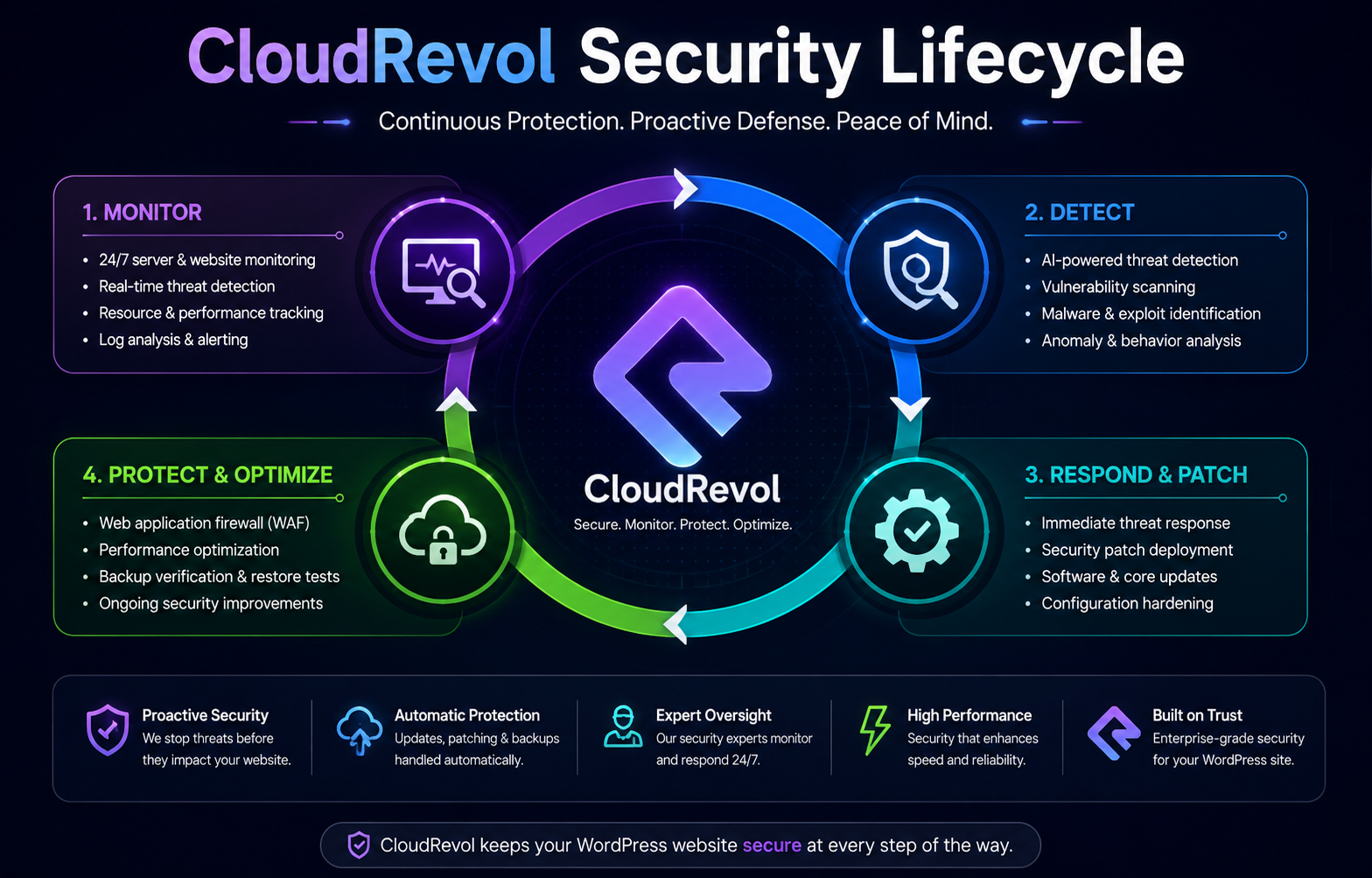
CloudRevol Security Lifecycle
Traditional Hosting vs CloudRevol Managed WordPress Hosting
While many hosting providers simply offer server space, CloudRevol delivers a fully managed WordPress platform focused on security, performance, monitoring, and operational reliability. The comparison below highlights some of the key differences that help businesses reduce maintenance overhead while improving website resilience.
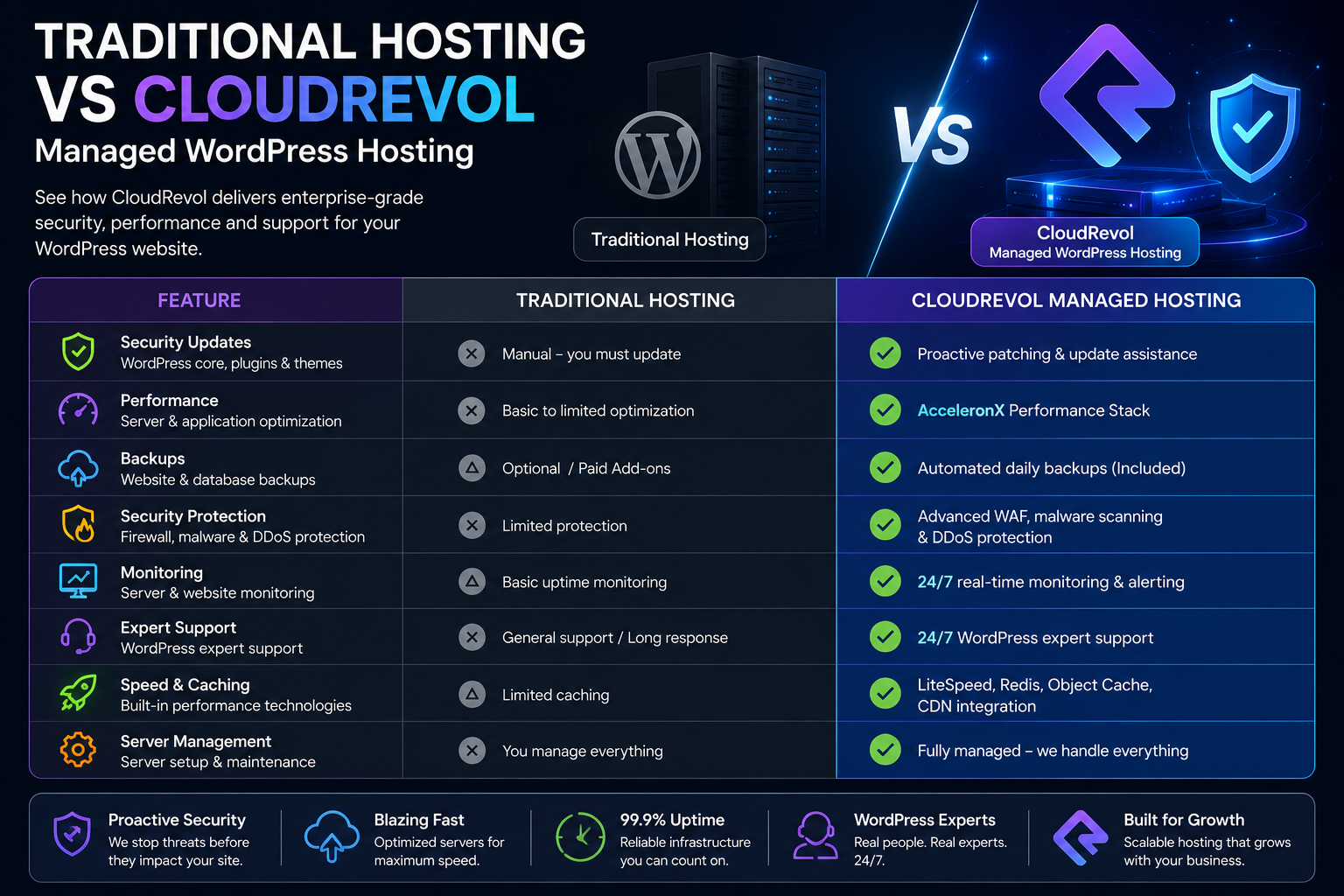
| Feature | Traditional Hosting | CloudRevol |
|---|---|---|
| Critical Security Updates | Manual | Managed Assistance |
| Performance Optimization | Limited | AcceleronX |
| Infrastructure Monitoring | Basic | 24×7 |
| Automated Backups | Optional | Included |
| Expert Support | Limited | 24×7 Engineers |
Frequently Asked Questions
What is the wp2shell vulnerability?
The term wp2shell refers to a publicly discussed attack chain that can allow attackers to progress from an initial weakness to unauthorized code execution on vulnerable WordPress environments.
Should I update WordPress immediately?
Yes. Keeping WordPress core, themes and plugins updated is one of the most effective ways to reduce security risks.
Can attackers steal website data?
A successful compromise may allow attackers to modify files, access sensitive information or install malware depending on the affected environment.
How do I know if my website has been compromised?
Look for unexpected administrator accounts, modified files, unusual traffic, malware warnings, or unexplained server activity.
Can CloudRevol help secure my website?
Yes. CloudRevol provides managed hosting, security monitoring, backup solutions, performance optimization, and expert support to help protect WordPress websites.
Need Help Securing Your WordPress Website?
Whether you're recovering from a security incident or simply want to strengthen your WordPress environment, CloudRevol can help. Our managed hosting platform combines security, performance, monitoring, backups and expert support to keep your website protected.