


PHP2Shell Critical PHP Vulnerability:How to Protect WordPress & PHP Servers
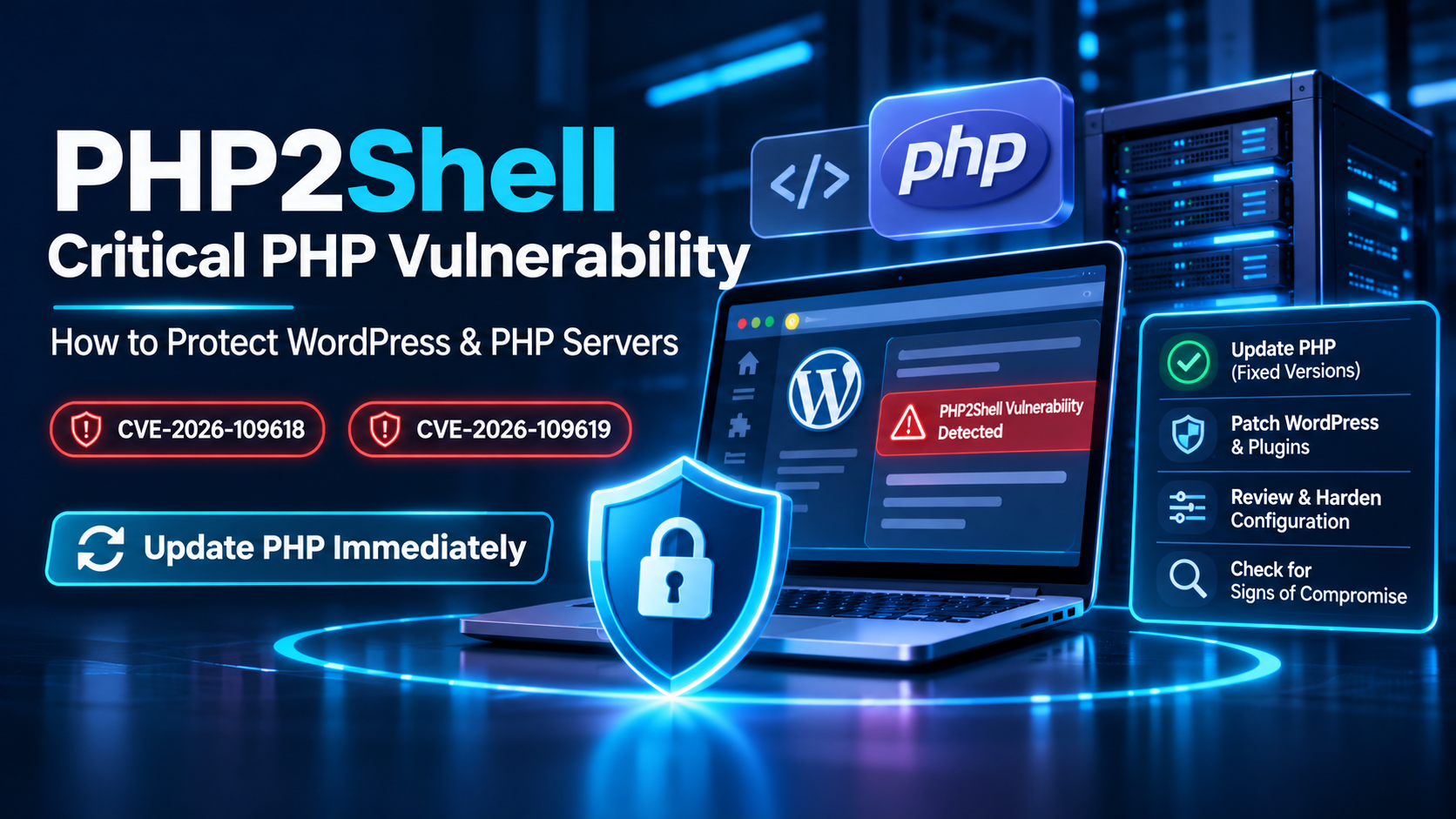
PHP2Shell refers to two critical vulnerabilities in PHP that can expose internet-facing PHP applications to unauthenticated remote code execution. Because WordPress runs on PHP, the fix must be applied at the PHP runtime and server layer—not only inside the WordPress dashboard.
Executive Summary
PHP2Shell is the name used for two critical vulnerabilities in PHP core: CVE-2026-109618 and CVE-2026-109619. PHP describes both issues as capable of unauthenticated remote code execution on vulnerable web-serving installations.
The risk applies below the application layer. WordPress, Drupal, Joomla and custom PHP applications can all depend on the same vulnerable PHP runtime, which means updating WordPress plugins alone does not remediate the underlying PHP flaw.
The PHP project released patched versions on October 21, 2026: PHP 8.5.12, 8.4.27, 8.3.36 and 8.2.35. The PHP security team states there are no complete mitigations and recommends updating immediately.
Why PHP2Shell Matters to WordPress
WordPress is written in PHP. A visitor may interact with WordPress, WooCommerce or a plugin at the application layer, but PHP is the runtime executing that code on the server.
That distinction matters because a PHP-core vulnerability is not fixed by updating a WordPress plugin or changing an administrator password. The server's PHP runtime must be updated to a vendor- patched build.
PHP2Shell at a Glance
Critical PHP Runtime Risk
The issues exist inside PHP itself and can affect applications running on vulnerable PHP web-serving environments.
Authentication May Not Help
The PHP advisory describes unauthenticated remote code execution, so application login controls are not the primary remediation.
Multiple PHP Stacks in Scope
PHP lists PHP-FPM, Apache with mod_php, php-cgi, FrankenPHP and LiteSpeed among web-serving installations that should update.
Patch Is Available
Fixed PHP releases are available for supported upstream branches and operating system vendors may also provide backported fixes.
PHP Versions Containing the Fix
These are the fixed upstream PHP releases announced by the PHP project. If your distribution backports patches, verify the package in the operating system vendor's security notice rather than relying only on the upstream version string.
| PHP Branch | Fixed Upstream Release | Action |
|---|---|---|
| PHP 8.5 | 8.5.12 or later | Update immediately |
| PHP 8.4 | 8.4.27 or later | Update immediately |
| PHP 8.3 | 8.3.36 or later | Update immediately |
| PHP 8.2 | 8.2.35 or later | Update now and plan branch upgrade |
Important: PHP 8.2 reaches end of life on December 31, 2026. If you are still on PHP 8.2, patch it immediately and plan migration to a supported branch. PHP 8.1 and older are no longer covered by current upstream PHP security releases.
Step 1: Check the PHP Version Serving Your Website
Start by identifying the PHP version and service actually handling web requests. A server can have several PHP versions installed.
php -v

# Common PHP-FPM service discovery examples
systemctl list-units --type=service | grep -i php
ps aux | grep -E "php-fpm|apache2|httpd|lsphp"
WordPress administrators can also review Tools → Site Health → Info → Server. Do not rely only on the CLI version when the web server may use a different PHP runtime.
Step 2: Patch PHP Using Your Operating System's Security Packages
On a self-managed Ubuntu or Debian-based server, start by refreshing package metadata and applying available security updates according to your distribution's maintenance policy.
sudo apt update
sudo apt upgrade
Distribution packages may contain a backported security fix while preserving an older-looking PHP version. Confirm remediation in the vendor security advisory for CVE-2026-109618 and CVE-2026-109619.
Step 3: Restart PHP Workers
After patching, restart the service that processes PHP requests so old worker processes are replaced.
# Example only — match the service name to your environment
sudo systemctl restart php8.3-fpm

# Apache with mod_php
sudo systemctl restart apache2

# Then verify service health
sudo systemctl --no-pager --full status php8.3-fpm
Step 4: Test WordPress After the PHP Update
What CloudRevol Recommends
Treat PHP2Shell as a server-runtime incident, not only a WordPress maintenance task. Patch first, then verify application health and investigate any environment that may have been exposed.
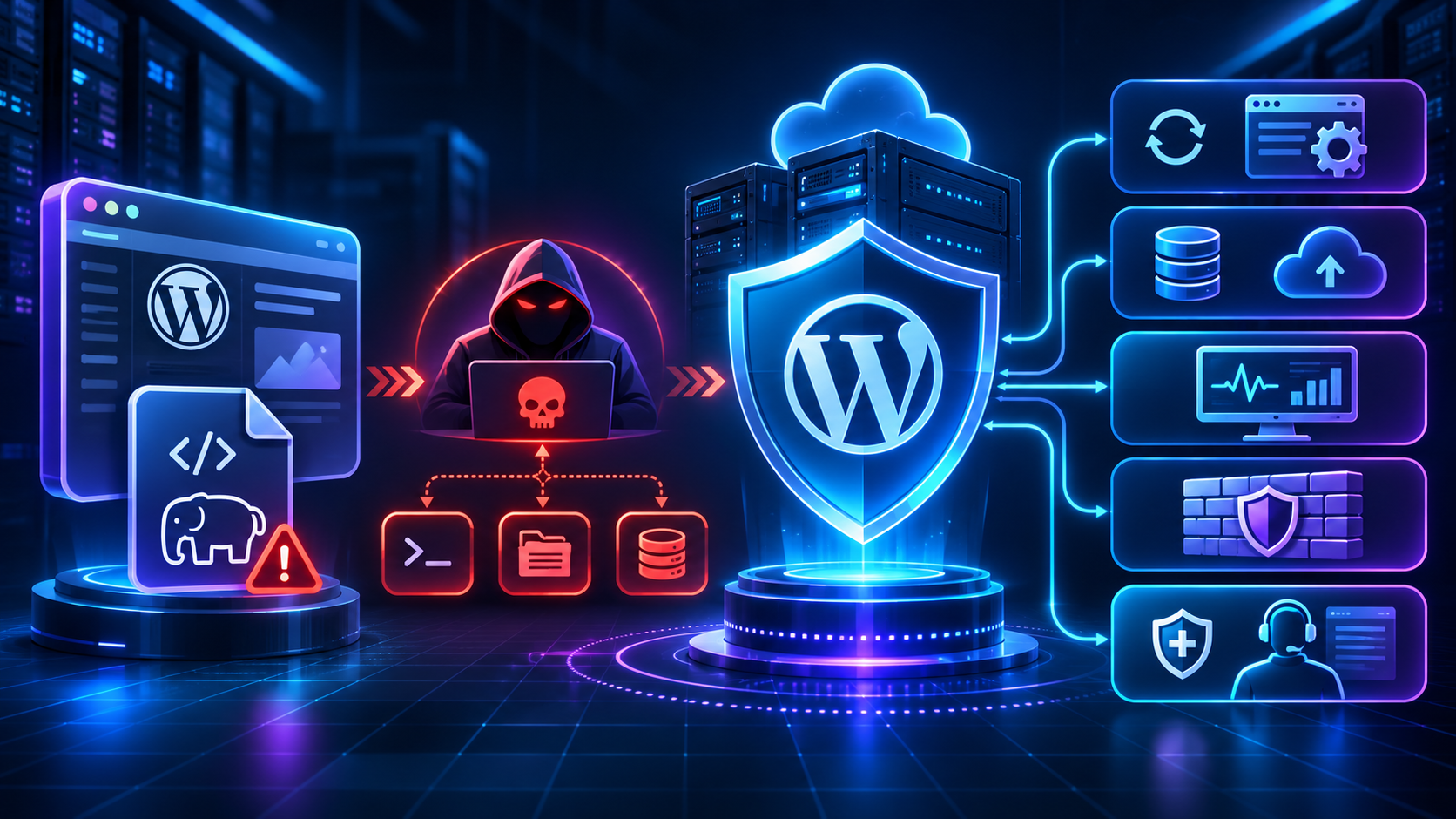
Identify Your PHP Runtime
Check which PHP branch actually serves the website. Command-line PHP and the web server can use different versions, so verify the runtime used by PHP-FPM, Apache, LiteSpeed or your hosting stack.
Confirm Vendor Patch Status
Check your operating system or hosting vendor security advisory. Linux distributions may backport security fixes without matching the upstream PHP version string exactly.
Create a Verified Backup
Back up the WordPress database, application files and critical configuration before major runtime changes, and make sure the recovery point is usable.
Patch PHP
Install the security-fixed PHP package for your supported branch. Upstream PHP identifies 8.5.12, 8.4.27, 8.3.36 and 8.2.35 as the fixed releases.
Restart PHP Workers
Restart PHP-FPM, Apache or the relevant application service so vulnerable worker processes are replaced by patched ones.
Test the Application
Check the homepage, wp-admin, forms, checkout flows, scheduled jobs, APIs and other business-critical paths after the PHP update.
Review for Compromise
Investigate suspicious process activity, unexpected files, worker crashes, unusual outbound traffic and abnormal web requests if the server was exposed before patching.
Continue Monitoring
Watch application, PHP, web-server and security logs after remediation, and keep WordPress core, plugins, themes and the underlying operating system current.
What If You Cannot Patch Immediately?
The PHP project states that there are no complete mitigations and that updating is the safe choice. Security researchers have described configuration changes that can reduce specific attack paths, but these should only be treated as temporary defense-in-depth while patching is completed.
One commonly discussed temporary measure is disabling PHP session upload progress in php.ini and restarting PHP workers:
session.upload_progress.enabled = 0This is not a complete fix. Do not postpone the PHP security update because a workaround is in place.
Signs to Investigate on Previously Exposed Servers
Patching prevents future exploitation of the known PHP2Shell vulnerabilities, but it does not prove that an exposed server was never targeted. If the server was internet-facing before the patch, review it for unexpected activity.
Do Not Forget the WordPress Layer
PHP patching addresses PHP2Shell, but the WordPress application still needs normal security maintenance. After the runtime update, review core, plugin and theme updates, administrator accounts, backups and file integrity.
wp core check-update
wp plugin list --update=available
wp theme list --update=available
wp core verify-checksumsPHP Security Is Part of the Hosting Stack
Critical runtime vulnerabilities demonstrate why application security cannot stop at WordPress. CloudRevol managed environments combine infrastructure maintenance, monitoring, backups, security hardening and engineering support to help customers respond to platform-level security events.
Security References
This CloudRevol advisory was prepared using the PHP project security advisory and public reporting about PHP2Shell, including the referenced Contabo WordPress guidance. Always verify final package status with your operating system vendor or hosting provider before making production changes.
Frequently Asked Questions
What is PHP2Shell?+
PHP2Shell is the name commonly used for two critical PHP vulnerabilities, CVE-2026-109618 and CVE-2026-109619, that can create unauthenticated remote code execution risk on vulnerable PHP installations.
Is WordPress itself the vulnerable component?+
No. The vulnerabilities are in the PHP runtime underneath WordPress. WordPress is affected because it depends on PHP to serve requests.
Which PHP versions contain the fix?+
The upstream PHP project released fixes in PHP 8.5.12, 8.4.27, 8.3.36 and 8.2.35. Linux distributions may also provide backported security patches, so administrators should verify their vendor security advisory.
Can updating WordPress plugins fix PHP2Shell?+
No. Plugin and theme updates are still important, but PHP2Shell exists in PHP itself. The PHP runtime must be patched.
Is there a complete workaround if I cannot patch immediately?+
The PHP project states there are no complete mitigations and that updating is the safe choice. Some configuration changes can reduce specific attack paths temporarily, but they should not be treated as a replacement for patching.
Should I rely only on php -v to confirm I am safe?+
Not always. Some Linux distributions backport security fixes while preserving an older-looking package version. Check your distribution or hosting provider security bulletin as well as the runtime version.
What should I check after the PHP update?+
Test WordPress, wp-admin, forms, checkout and APIs, then review web-server and PHP logs, file changes, processes, user accounts and network activity for anything unexpected.
Does PHP2Shell affect only WordPress?+
No. Because the issue is in PHP itself, other PHP applications and CMS platforms can also be exposed when they run on a vulnerable PHP runtime.
What if I am running PHP 8.1 or older?+
Older PHP branches are no longer covered by current upstream PHP security releases. Review your operating system vendor support and plan migration to a supported PHP branch as soon as practical.
How can CloudRevol help?+
CloudRevol can help with managed PHP and WordPress hosting, patch management, monitoring, backups, security review, application testing and incident-response assistance depending on the environment.
Do Not Treat PHP2Shell as a Plugin Update
Verify the PHP runtime serving your websites, apply the vendor security fix, restart workers, test your applications and review exposed environments for suspicious activity. PHP is part of the security boundary of every PHP application you operate.